Showing posts with label watercolour filter. Show all posts

Tuesday, April 30, 2013

Painting the Tulips Red

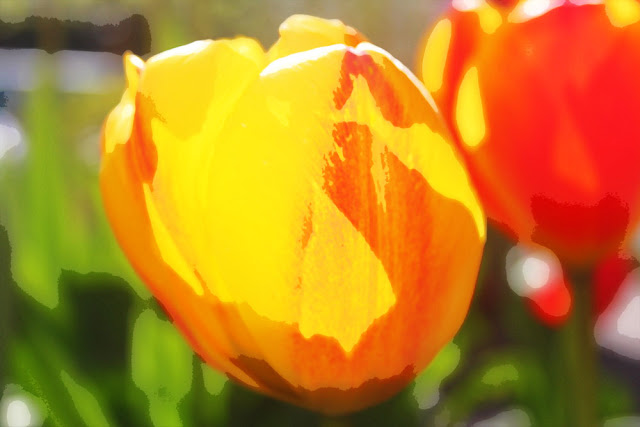
The tulips look gorgeous just the way they are, but I wondered what would happen if I used the "watercolour painting technique" and other filters.

The "watercolour painting technique" is:
  • duplicate the background layer 3 times
  • to first layer, filter>artistic>cutout>4, 4, 2 luminosity
  • to second layer, filter>artistic>dry brush>10, 10, 3 screen
  • to third layer, filter>noise>median 12 soft light
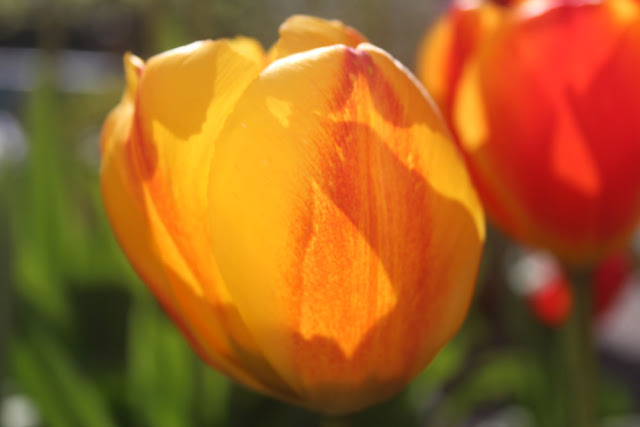
original

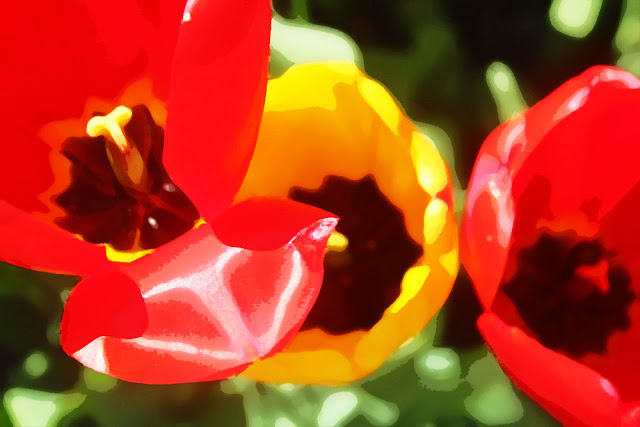
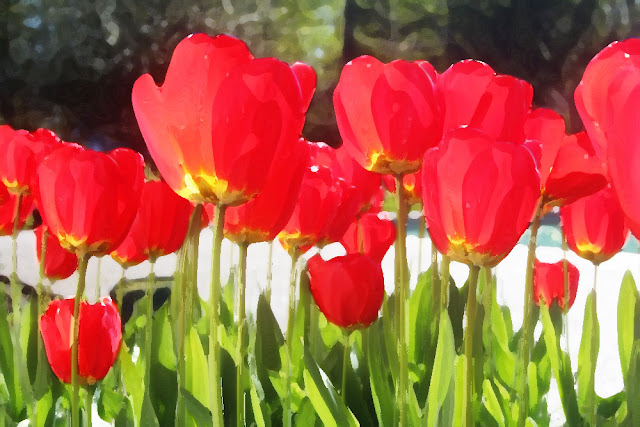
watercolour painting technique


Here is a close up of a tulip with one petal opening past what is our normal image of tulips. I think tulips past their prime are very interesting.
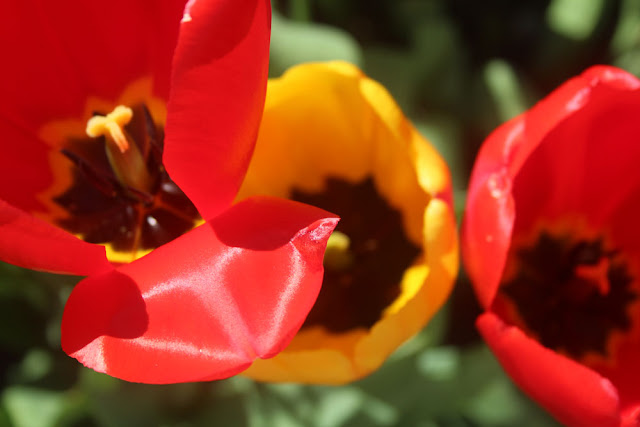
original

watercolour painting technique


Here the tulips are reaching towards the sun in the west which is streaming through them. It already looks like a watercolour painting.
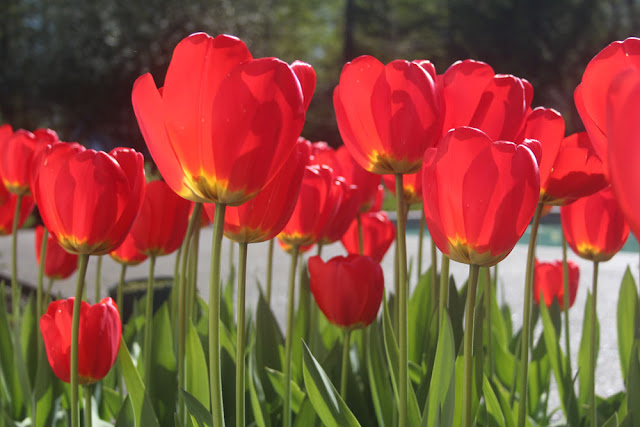
original

watercolour painting technique

Here is where I used the actual "watercolour" filter.
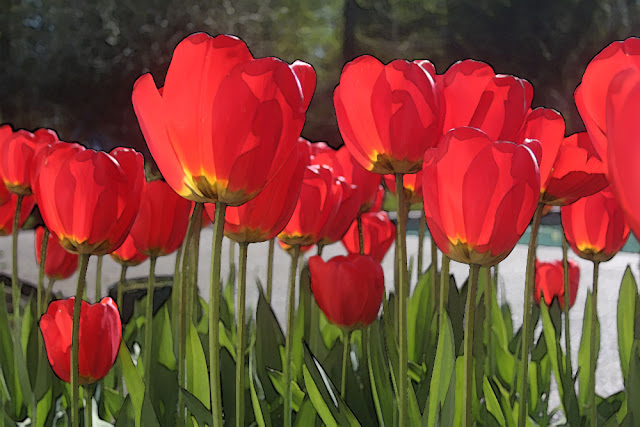
artistic>filter>watercolour>brush detail 14

Of course, I had to see what it would look like posterized.
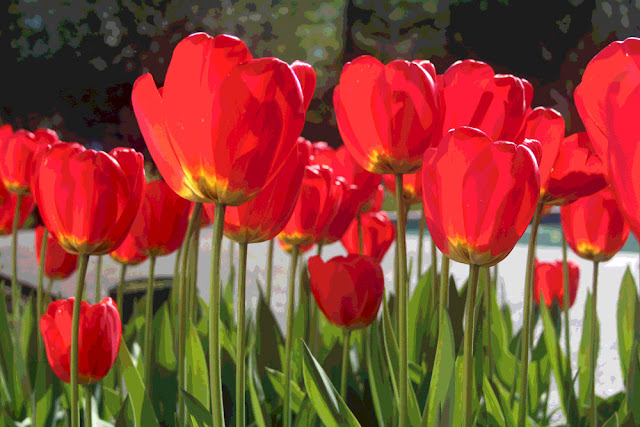
image adjustments>posterize>level 10

Tuesday, April 23, 2013

Tulip "Painting"

It took me a while but I turned this:


into this:


  • Crop image
  • Isolate tulips from background
  • Add a solid black fill layer on top
  • Clean up by erasing the white pixels that show up after you add the black background
  • Apply Filter>Artistic>Watercolour
  • Paint in the rainbow and run the smudge tool over it


Then I thought I'd go a little further and this is what happened.


  • Apply Filter>Artistic>Dry Brush 10, 1, 1
This looked pretty good but there were a lot of tiny little white dots around the outlines of the tulips and vase, so I zoomed in on them and used the Smudge Tool set on Natural Brushes>Dry Brushes to "smudge" over them.
  • Cleanup image by using the Smudge Tool
Why stop at the edges only? I ended up smudging where ever it looked like it needed it, mostly where there were a lot of jagged looking pixels. I felt like I was painting!

The Smudge Tool is my new best friend!